
Service categories
Categories group your services (e.g. Bath, Grooming, Aesthetics). Every service belongs to a category, and it’s by them that the calendar, the chatbot and the reports organize the visits.
The screen
Section titled “The screen”Under Settings → Registers → Categories, pick the segment tab (Pet Shop, Clinic, Daycare/Hotel) and see the categories already created — each with its icon and color, name and billing type. Use the search to find a category, click the row to edit and the trash to remove. To create one, click New category at the end of the list.
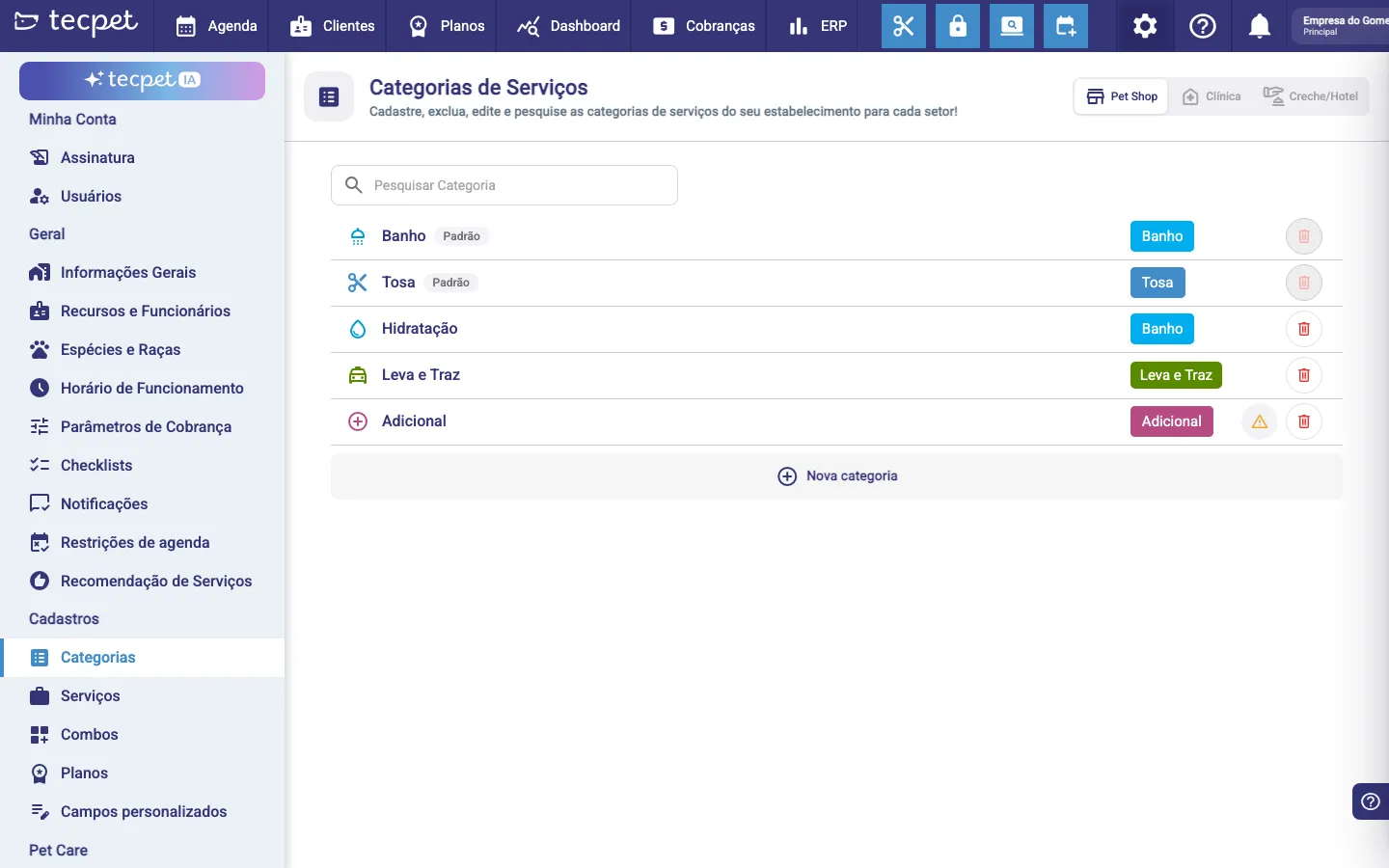
Step 1: New Category
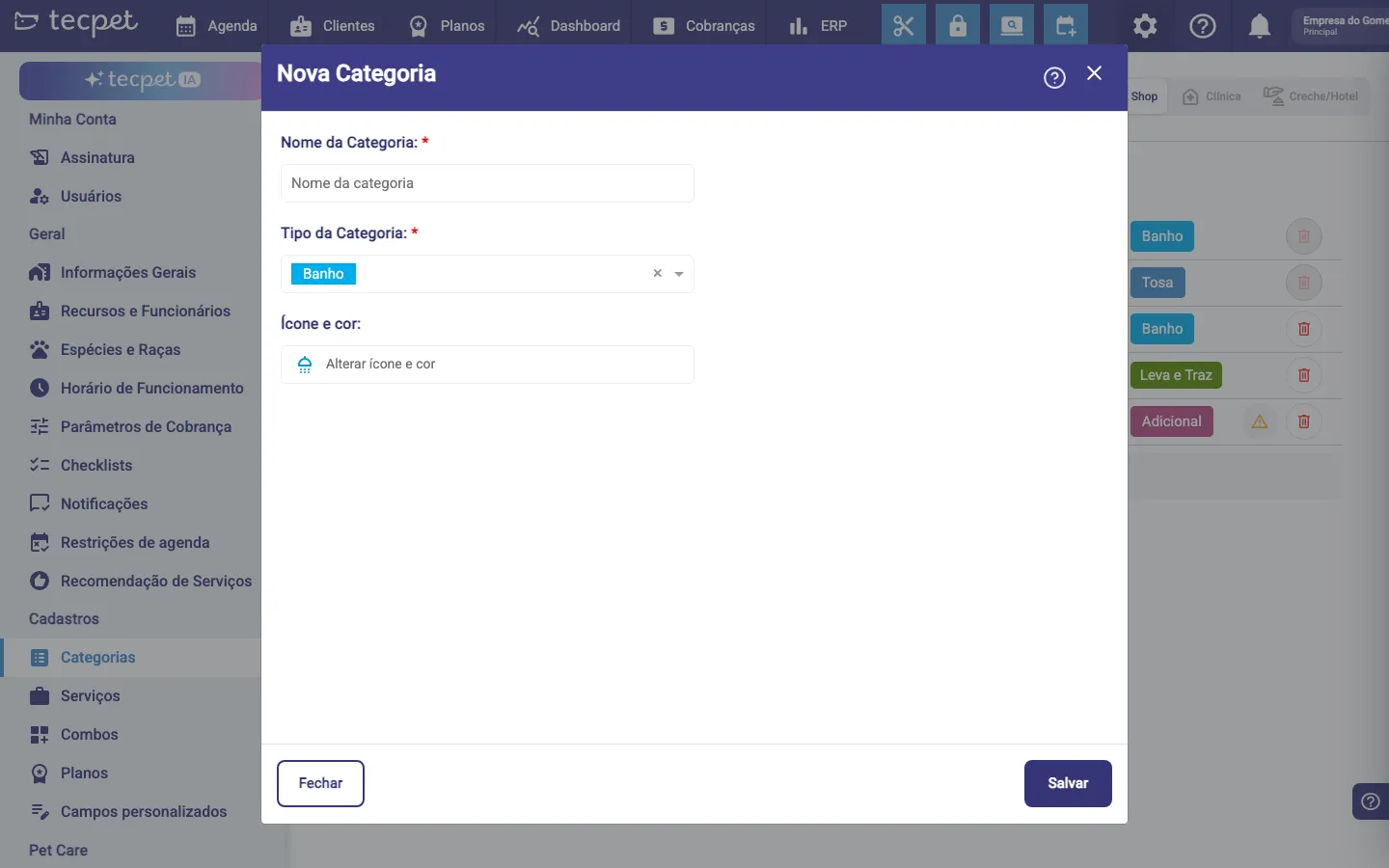
Section titled “Step 1: New Category”In the New Category form:
- Category name*: how it appears (e.g. Bath, Aesthetics);
- Category type*: the billing type the category belongs to (Bath, Grooming, etc.). The type influences grouping and report reading;
- Icon and color: click Change icon and color and choose how the category will look. The icon and color identify the category at a glance in the list, in the services area and in the appointment details.
Click Save.
Edit and remove
Section titled “Edit and remove”Click the category row to edit name, type, icon and color, and use the trash to remove it. Categories tagged Default belong to the system: you can customize the icon and color, but not rename, change the type or delete them. When creating a service, you pick its category, so create the categories before the services.