
How the Network works (head office and branches)
When a group has more than one shop, they can operate as a network in tecpet. A network has a master account (the head office) and one or more branches. The head office is the lead account: it’s where you manage the shops and distribute part of the settings.
Who runs your network: you, or each store on its own? #
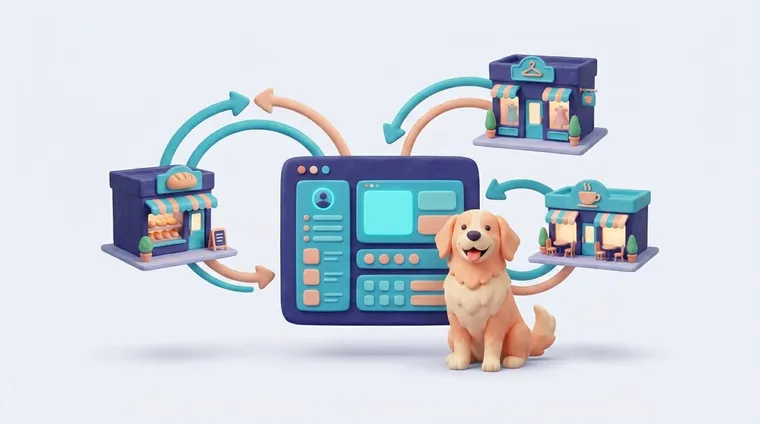
Every store doing its own thing
Without central command, each branch becomes a different company, and you lose control.
“A network is only a network when every store speaks the same language.”
You opened a second store, then a third, and now each one has its own prices, services, messages and standards. You look at a report and don't trust it, because every branch set things up differently. Updated the price list at HQ? You have to redo it by hand, store by store.
With tecpet Network, you set up services, plans, payment methods and messages at the master account, and sync distributes them to the branches automatically. A client served at any store is the same record across the whole network. And when a branch needs its own prices, you turn sync off for that one only, central control without tying the hands of the exceptions.
Head office and branches
Section titled “Head office and branches”- The head office (master account) is the network’s main account, only it sees and manages the branches (see Managing shops).
- The branches are the other shops in the network, linked to the head office.
- A shop outside a network (single shop) has no head office or branches, it runs on its own.
What is shared across all shops
Section titled “What is shared across all shops”Some records are the same across the whole network: the same record shows up in every shop, with no duplication. Register or edit it in one shop and it applies to all:
- Customers (and their pets);
- Species and breeds;
- other network base records (e.g., breeding animals, custom fields).
So a customer served at any shop in the network is the same record everywhere, no re-registering.
What is per-shop: and the role of sync
Section titled “What is per-shop: and the role of sync”Other items are specific to each shop, but the head office can distribute them to the branches through sync. They are:
- Services, Combos and Plans;
- Payment methods;
- Checklists and service categories;
- Notification templates;
- Pet Care (document templates and file categories) and veterinary applications.
How it works:
- With sync on in a branch, when the head office creates or edits one of these, the branch gets the copy automatically (and future updates too).
- With sync off, the branch is independent on those items, it builds its own and no longer receives copies from the head office.
Sync is turned on/off per branch, by the head office, on the Managing shops screen.
What changes in Settings: head office × branch
Section titled “What changes in Settings: head office × branch”The Settings menu differs by account:
- On the head office extra network items appear: Billing, Shops → Managing shops, Security (password) and Advanced settings.
- On a branch these items don’t appear: a branch doesn’t manage shops, doesn’t touch the network’s billing and can’t change its own password: the head office controls the branches’ passwords.