
Managing shops
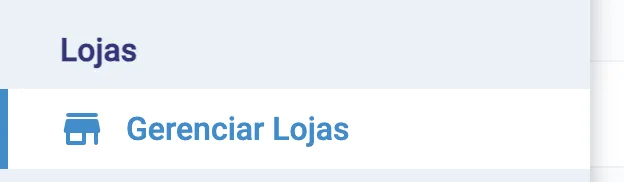
The Managing shops screen is where the head office manages the branches of the network. It appears only on the master account, under Settings → Shops → Managing shops.
The shop list
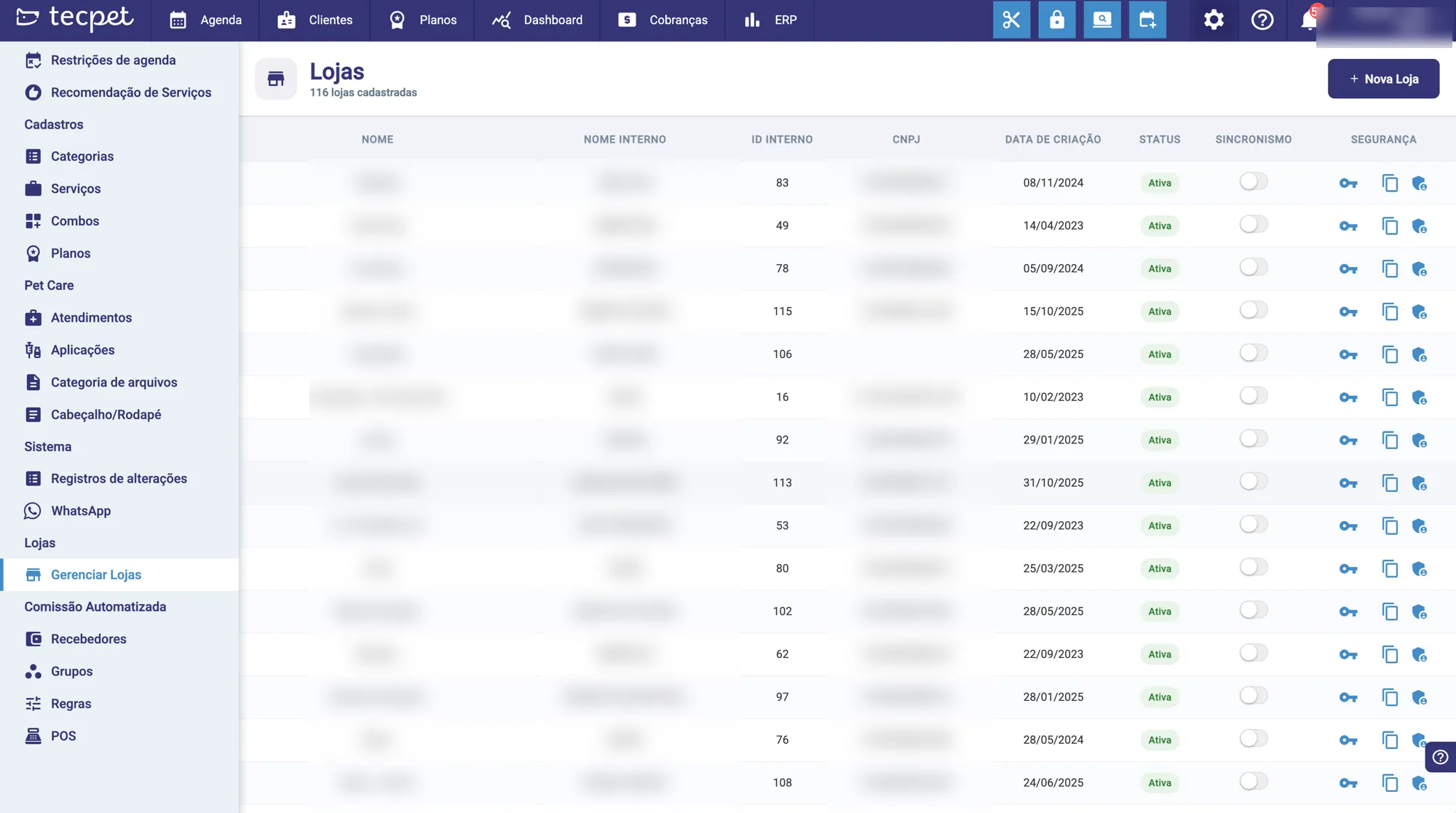
Section titled “The shop list”The screen lists each branch of the network with the main info:
- Name and Internal name (the nickname used by the network);
- Internal ID and Tax ID (CNPJ);
- Created on;
- Status: Active, Blocked, Overdue or Trial expired;
- Sync: the on/off toggle (see below).
Turning sync on or off
Section titled “Turning sync on or off”Each branch has a sync toggle. It defines whether the branch receives the copies of services, plans, combos, checklists and the other items distributed by the head office:
- On: the branch follows the head office (receives and updates those items).
- Off: the branch is independent on those items.
(Learn what is shared and what depends on sync in How the Network works.)
Branch passwords
Section titled “Branch passwords”From the head office you manage each branch’s access:
- Change the branch’s login password;
- View/copy the administrator password (the 6-digit code);
- Change the branch’s administrator password.
These actions ask for the head office’s administrator password to confirm.
See also
Section titled “See also” Was this helpful? Thanks for your feedback!