
Schedule restrictions
Schedule restrictions are rules that block certain bookings: for example, not accepting a service for a breed, a size or on a specific day. They keep the front desk and the AI from booking something the store doesn’t handle.
The screen
Section titled “The screen”Under Settings → Schedule restrictions are the created rules. Each has a switch (enable/disable), the pencil (edit) and the trash (delete). Click New Restriction to create one.
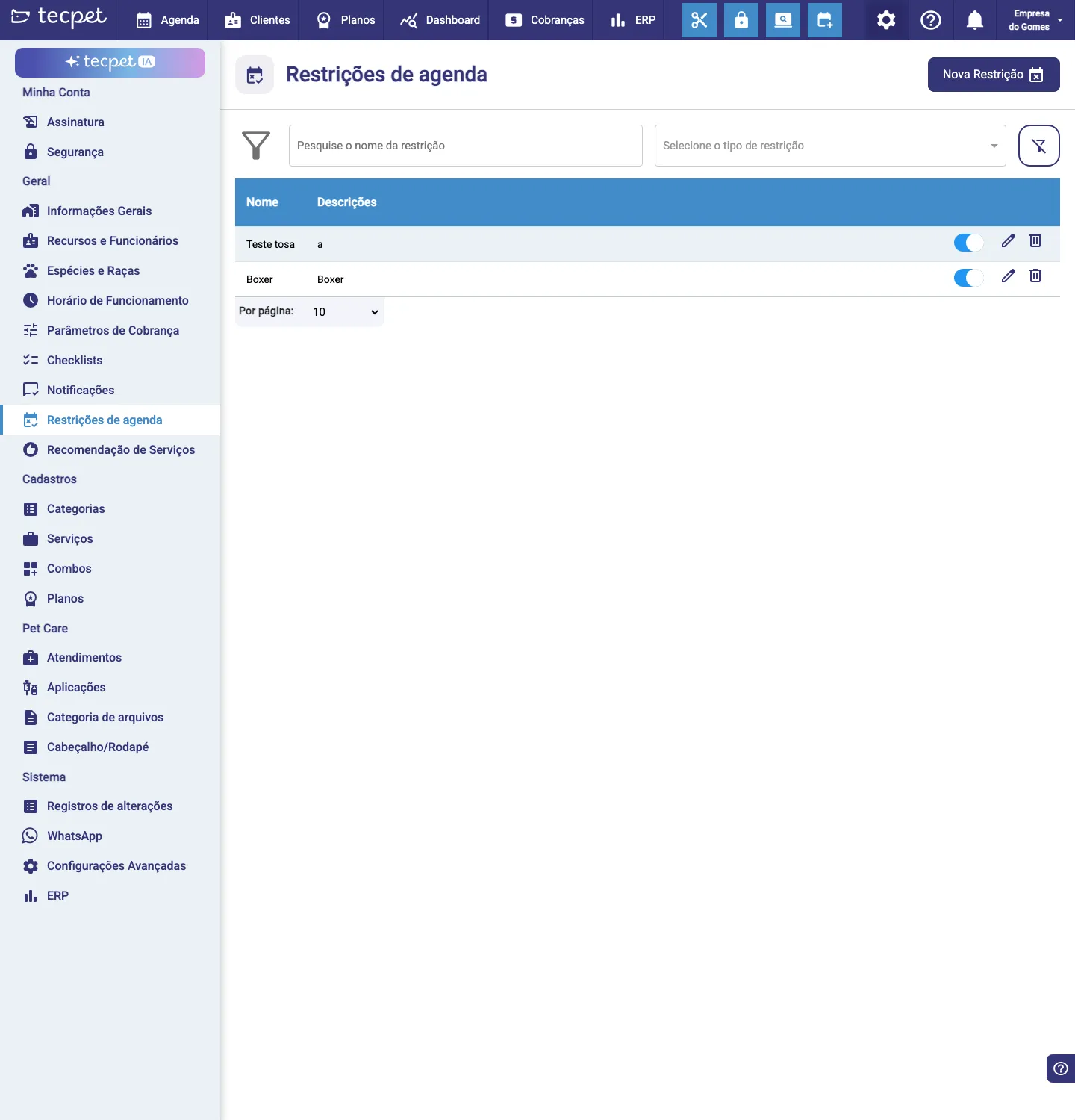
Step 1: New Restriction
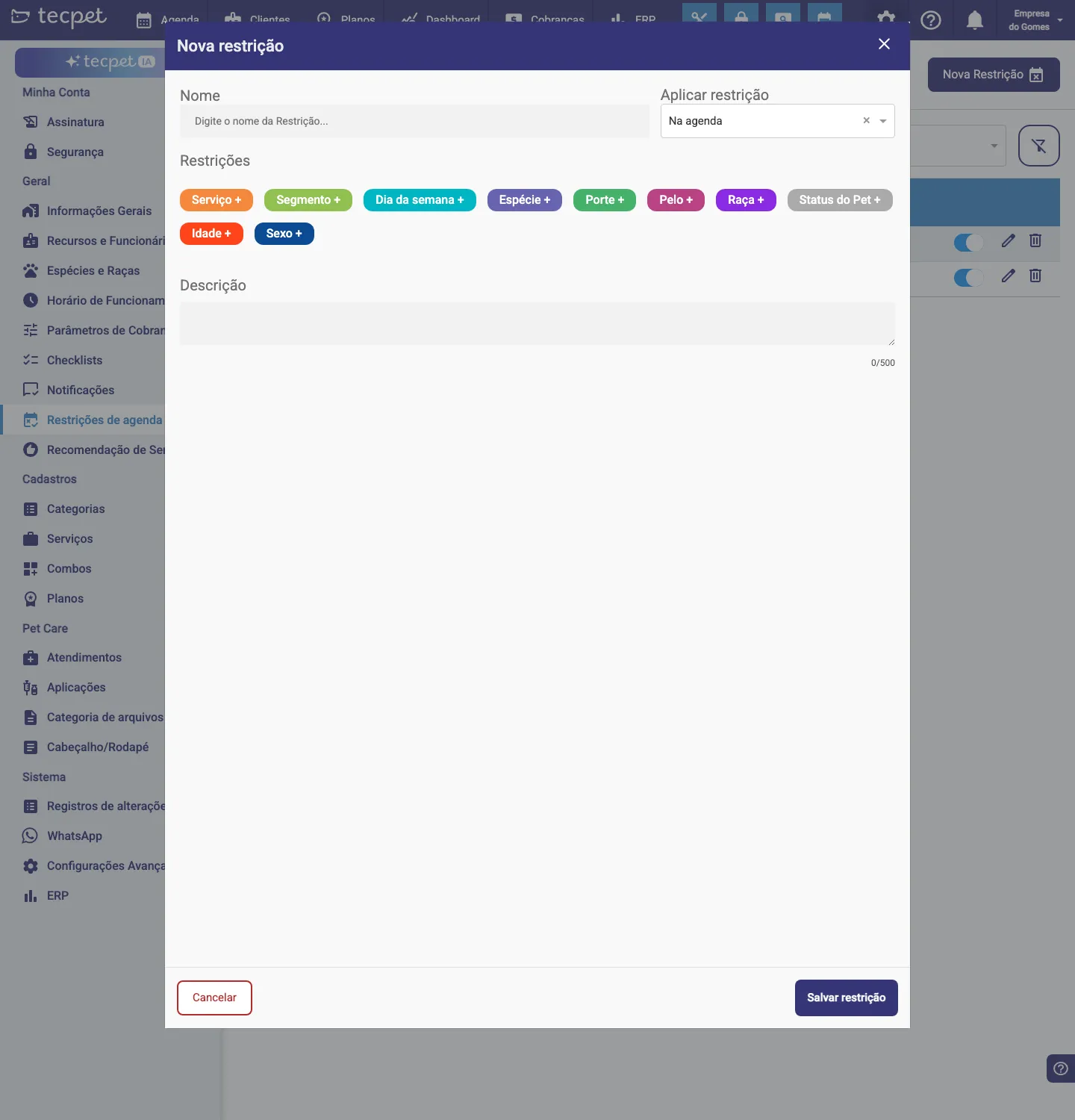
Section titled “Step 1: New Restriction”In the New restriction form:
- Name: a name that identifies the rule;
- Apply restriction: where the rule applies (e.g. On the calendar).
Step 2: Build the conditions
Section titled “Step 2: Build the conditions”Under Restrictions, combine the rule’s conditions by clicking the + of each type:
The restriction applies when all chosen conditions match. E.g. Service = Grooming + Breed = Poodle blocks grooming for poodles.
Step 3: Description and save
Section titled “Step 3: Description and save”Write a Description explaining the rule (helps the team understand) and click Save restriction. Then use the switch in the list to turn the rule on/off whenever you need.