
The Service Area
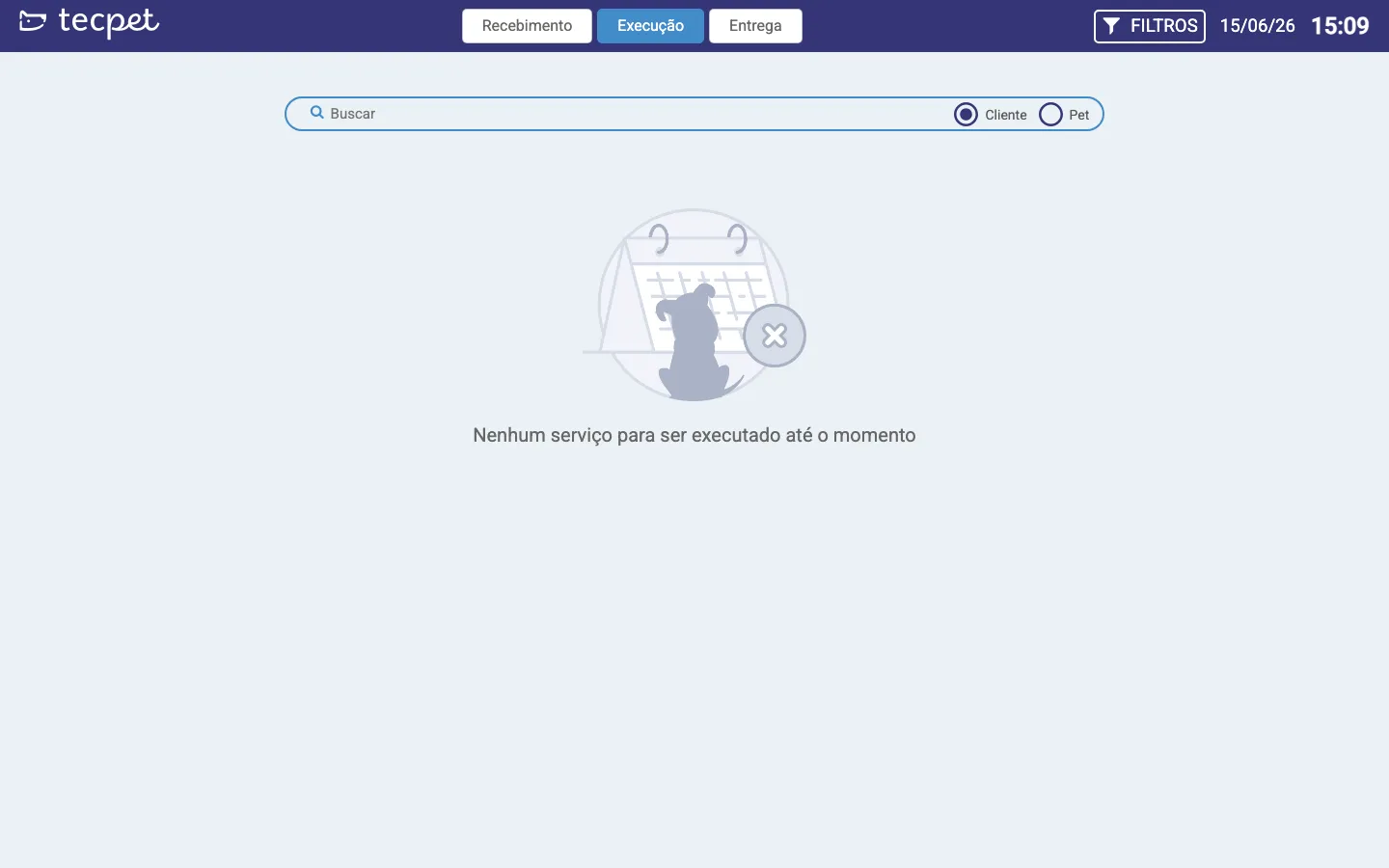
The Service Area is a full-screen view, built for the team that runs the services (grooming, the work area, reception). It shows today’s appointments in a simple, real-time way, separate from the full Calendar, perfect to leave on a shared screen in the production area. Open it from the scissors icon (Service Area) in the top bar.
The 3 stages
Section titled “The 3 stages”At the top are the service stages. Click one to see the pets in it:
- Reception: pets that are still coming or arriving (appointments Scheduled and Confirmed);
- Execution: pets already in the store being served (Received and In Service);
- Delivery: pets with the service Finished, ready to hand back to the owner.
Each pet shows up as a card. As the service moves on, it walks from one stage to the next, and the screen updates on its own (no need to reload).
Search and filter
Section titled “Search and filter”- Search: find an appointment by Customer or Pet;
- Filters: refine by segment (Pet Shop / Clinic / Daycare), species, pickup & delivery, professional and the order (by arrival or by leave time);
- Date and time stay visible at the top (and the time updates on its own), handy when the screen is on a TV in the work area.
Clicking a card
Section titled “Clicking a card”Click a pet’s card to open the appointment: there you change the status, check the checklist, Pet Care, the services and times, running the service from reception to delivery without leaving the screen.
See also
Section titled “See also” Was this helpful? Thanks for your feedback!