
The Customers screen
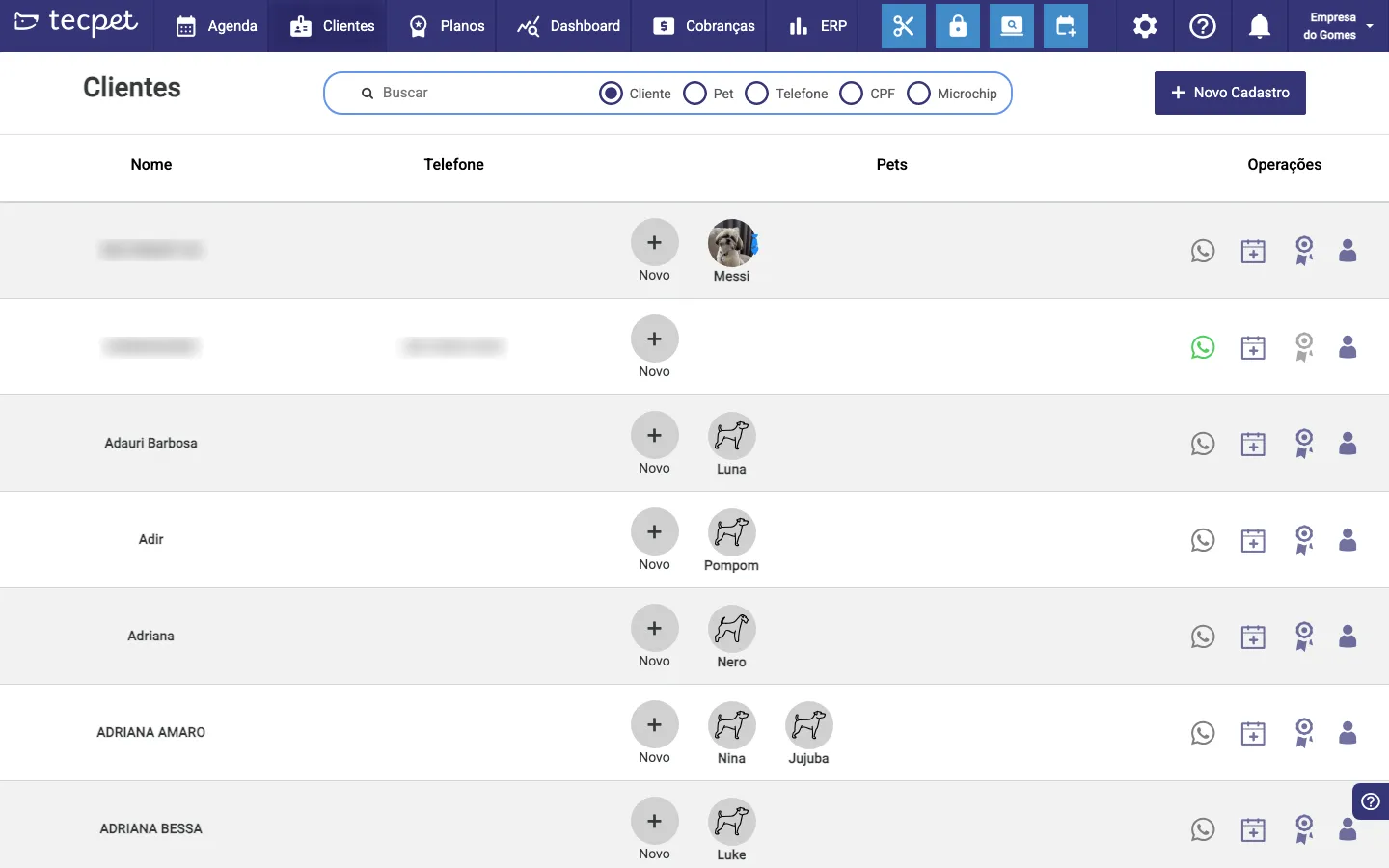
On the Customers screen you see all your customers, each one’s pets and shortcuts for everyday actions.
Find a customer
Section titled “Find a customer”Use the search bar at the top. You can search by Customer, Pet, Phone, Tax ID or Microchip: just pick the option and type.
Each customer’s pets
Section titled “Each customer’s pets”Each row shows the customer’s pets. Click New to add a pet to that customer.
Register a new customer
Section titled “Register a new customer”Click + New Registration (top right) to register a customer from scratch.
Quick actions
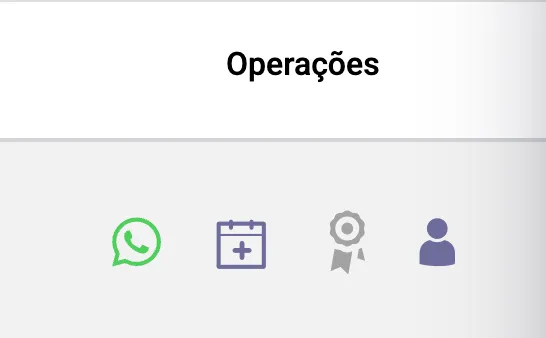
Section titled “Quick actions”In the Operations column, to the right of each customer, are the day-to-day shortcuts:
- WhatsApp: opens a chat with the customer;
- New appointment: creates an appointment already with that customer;
- Sell plan: starts selling a plan or package for one of the customer’s pets;
- Customer profile: opens the full profile (pets, history, finance, gallery).
Was this helpful? Thanks for your feedback!