
What is Pet Care
Pet Care is an optional tecpet module that turns each pet’s record into a complete health chart. Widely used by veterinary clinics, but available to any segment (pet shop, clinic, daycare/hotel).
Where does your pet's health history actually live? #

Great care isn't enough. You have to show it.
With no medical record, every visit starts from scratch, and the owner notices.
“Owners don't come back for your price list. They come back for who knows their pet.”
Vaccine given, old exam, allergy, last weigh-in, that before-and-after photo: all scattered across notebooks, WhatsApp and your team's memory. The moment the owner asks, no one can find it, and the service feels amateur in a business that wants to be premium.
With Pet Care, every pet gets a complete health record in one place: visits, exams, prescriptions, photos, documents and vaccine control with WhatsApp reminders. Documents print on your own letterhead, and the owner feels they're somewhere that truly cares.
What you can do
Section titled “What you can do”- Record visits: anamnesis, exams, prescriptions, pathology reports, weighing and general notes;
- Attach photos, videos and documents to the pet’s history;
- Manage applications (vaccines, dewormers, antiparasitics) with doses, intervals and WhatsApp reminders;
- Generate documents with the clinic’s letterhead (header and footer).
How do I know if my account has Pet Care?
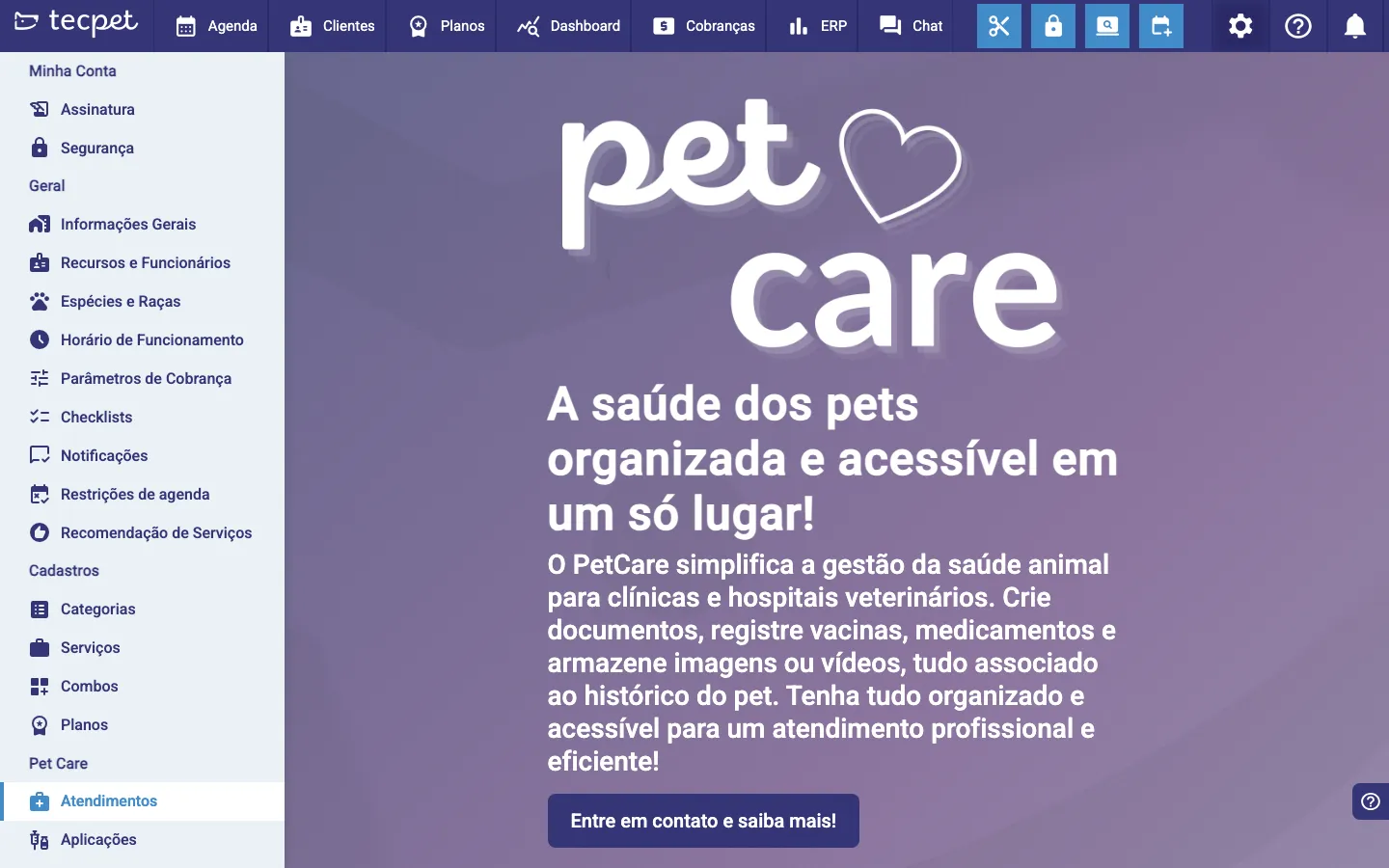
Section titled “How do I know if my account has Pet Care?”Open the settings menu and look for the Pet Care section. If, when you enter Visits or Applications, you see a presentation screen with a “Get in touch and learn more!” button, the module is not yet contracted on your account, contact support to enable it.
Where Pet Care shows up
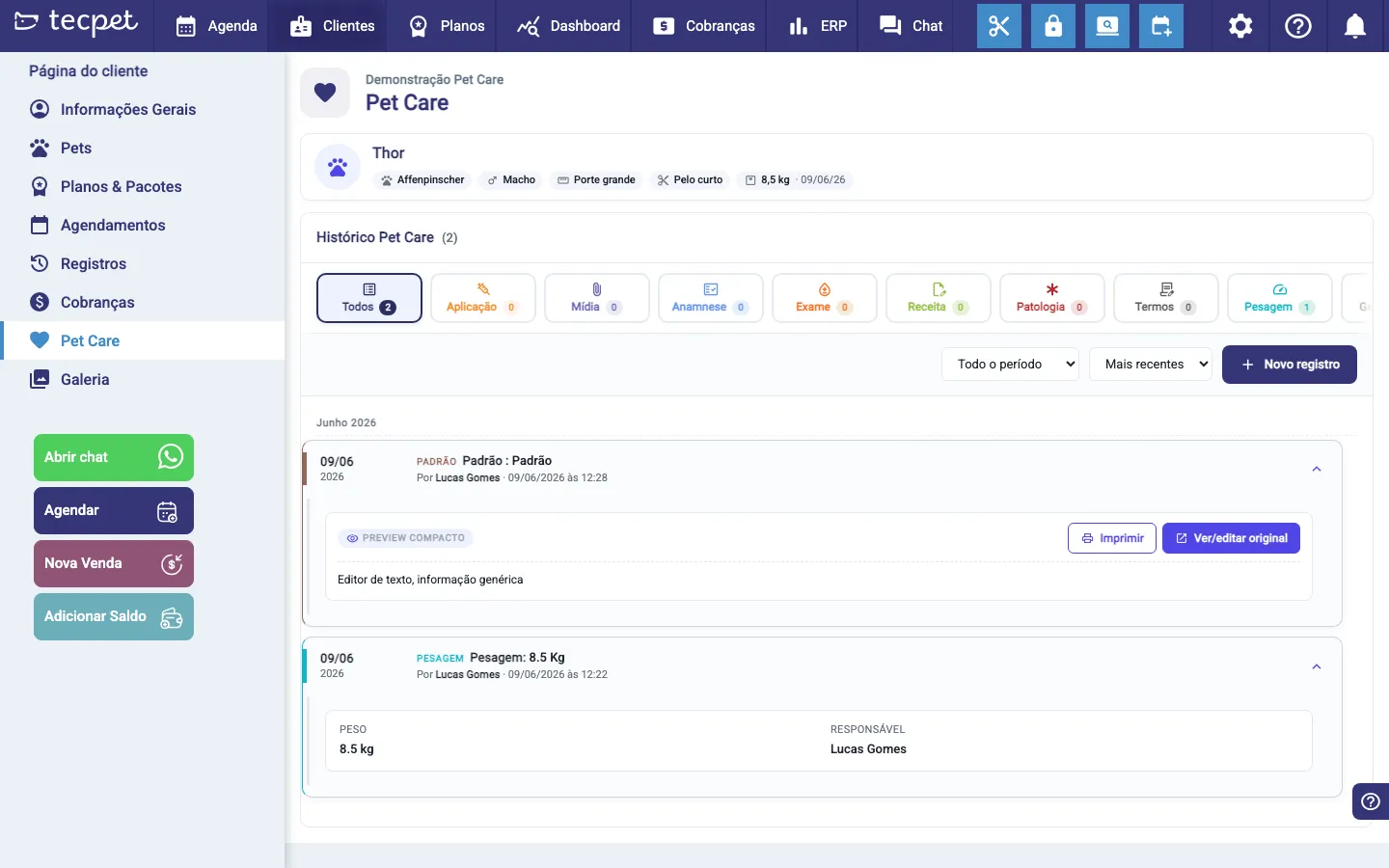
Section titled “Where Pet Care shows up”With the module on, the customer record gains a Pet Care tab: that’s where each pet’s Pet Care history lives, with visits organized by type and the New record button.
What you set up before using it
Section titled “What you set up before using it”In settings, the Pet Care section has four setup screens:
- Visits: document templates (prescriptions, exams, terms…);
- Applications: vaccine catalog and protocols;
- File categories, how to organize photos and documents;
- Header/Footer, the letterhead for documents.
Each one is covered in an article in this section.