
The administrator password
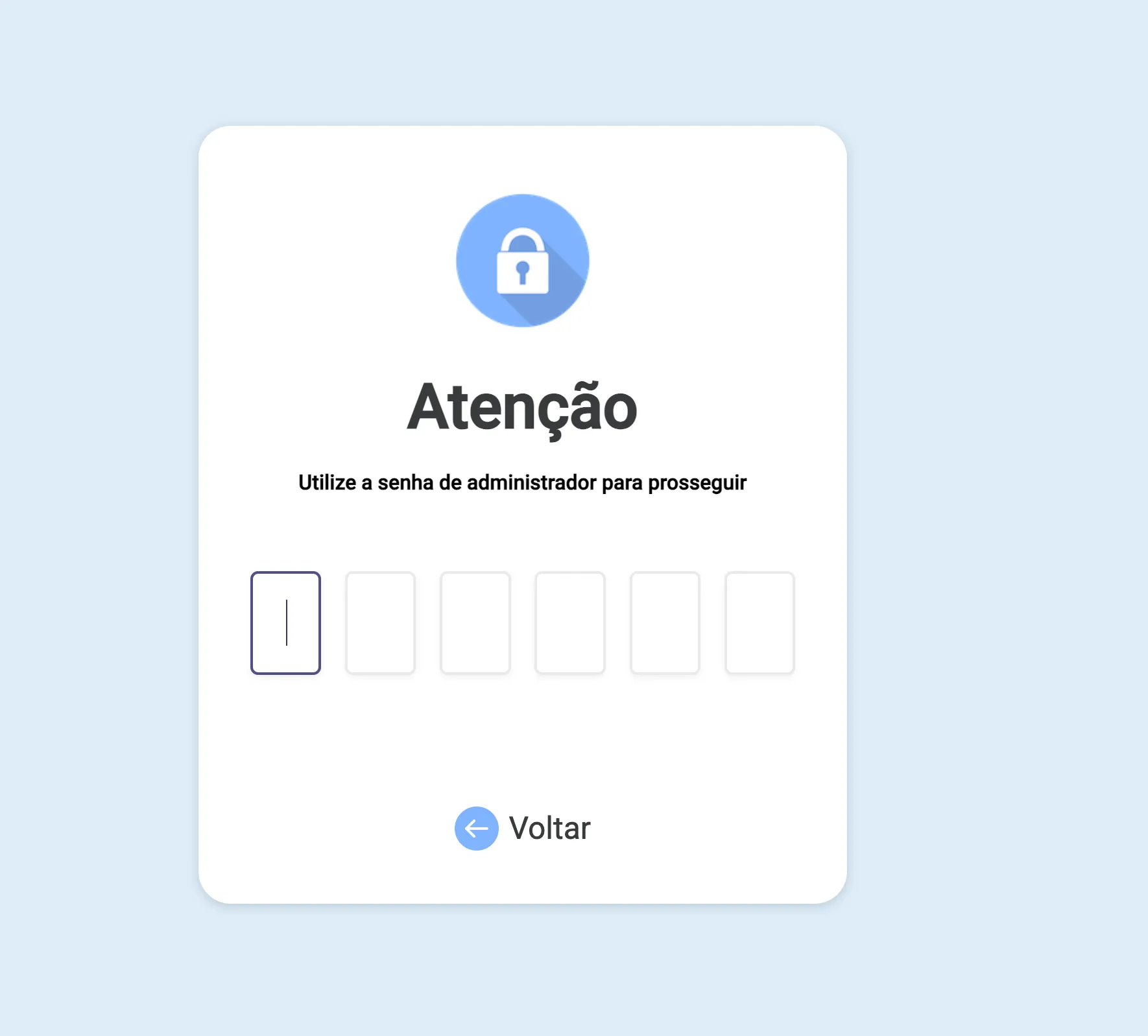
For some sensitive actions, tecpet shows an Attention warning asking for the administrator password to continue. It’s a security lock: it makes sure only someone with permission can unlock that action.
How to get past this screen
Section titled “How to get past this screen”Type the administrator password: a 6-digit code, into the six boxes. As soon as the last digit is filled, the action continues on its own. If you’d rather not go ahead, tap Back.
When it shows up
Section titled “When it shows up”This prompt protects actions that change money, price or store settings, for example: saving advanced settings, applying certain discounts or cancellations, opening the billing reports on the Dashboard, and other sensitive operations. The exact behavior may vary with your store’s settings.
Who has this password
Section titled “Who has this password”The administrator password is set by the store and stays with whoever is responsible (owner/manager), it’s different from the account’s login password. To change the administrator password, see the step-by-step in Advanced settings.